Lists
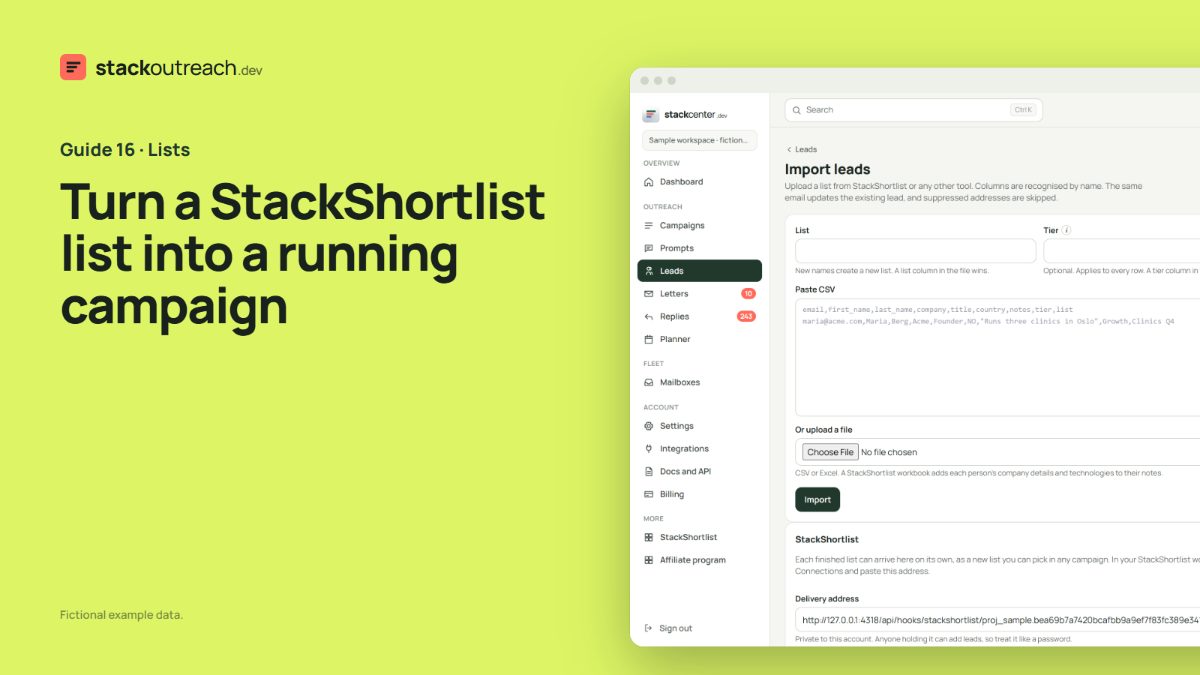
Turn a StackShortlist list into a running campaign
StackShortlist finds the companies and people. StackOutreach writes to them. The two are built to meet in the middle.
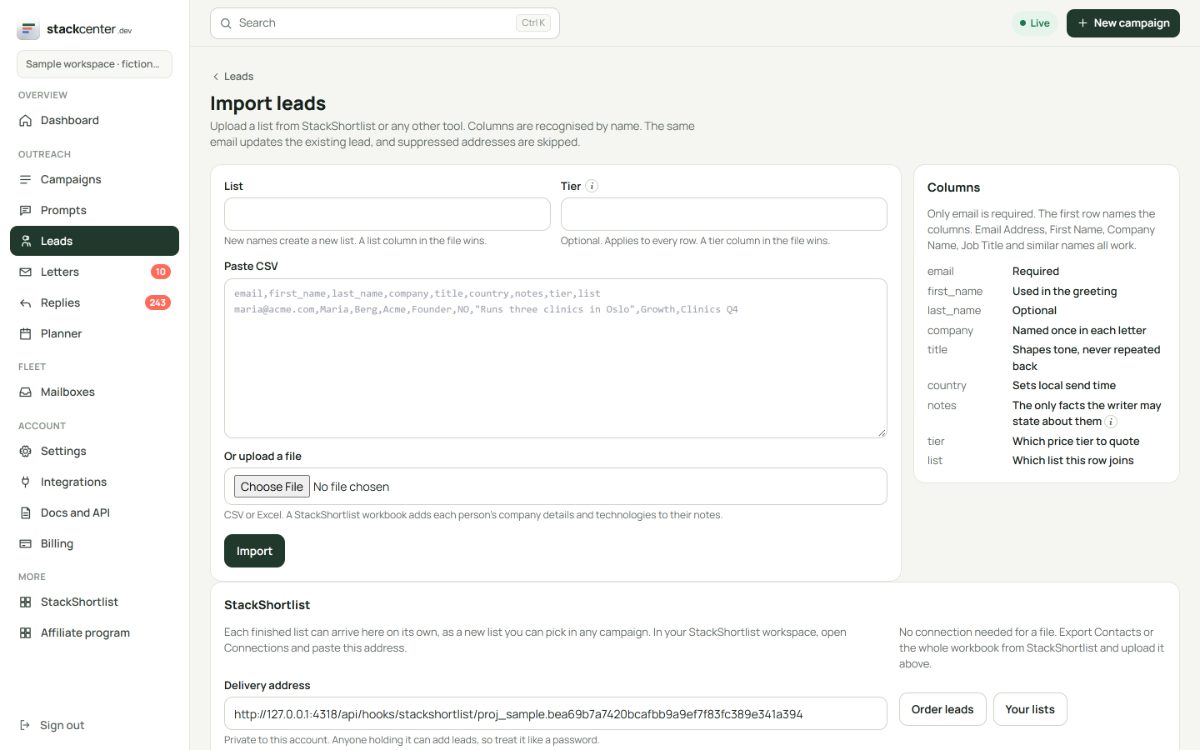
Upload the file
Export the Contacts file or the whole workbook from StackShortlist and upload it on the Import page. The file is recognised by its columns. A workbook folds each company's description into its people's notes.
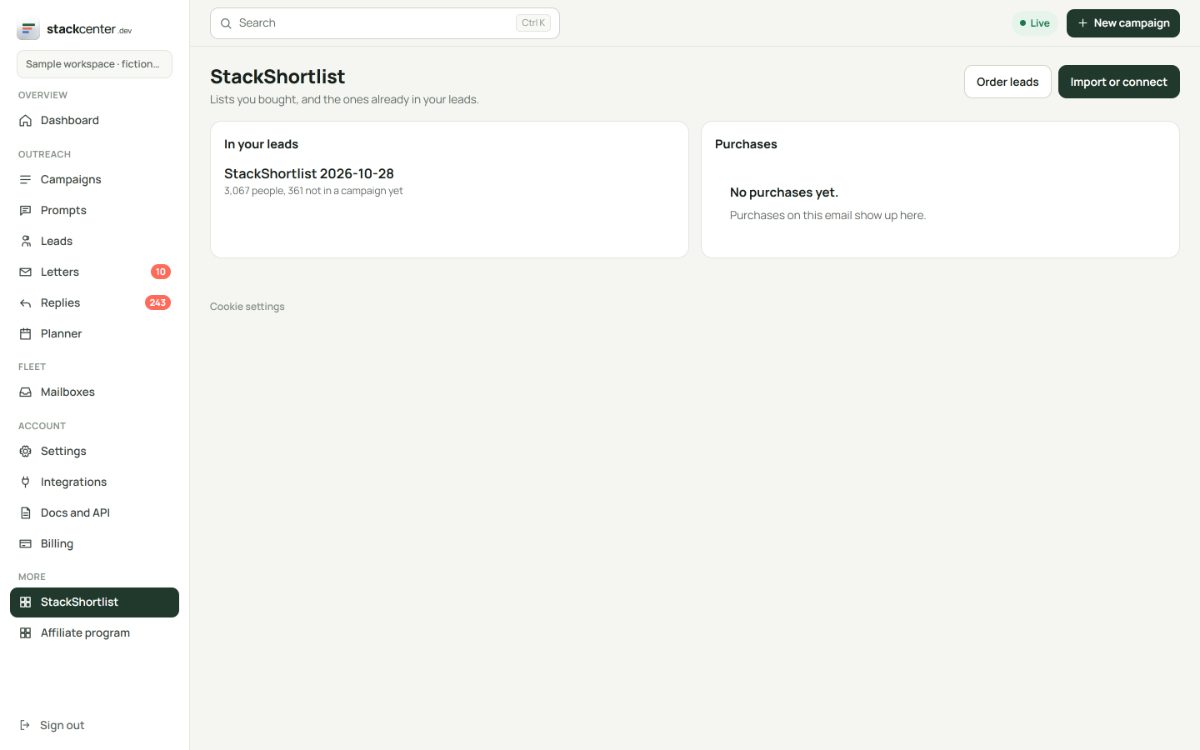
Or let lists arrive by themselves
Copy your delivery address from the Import page into StackShortlist under Connections and save the signing secret. Each finished list then arrives as its own dated list. Test events add nothing, and repeat deliveries update the same people.
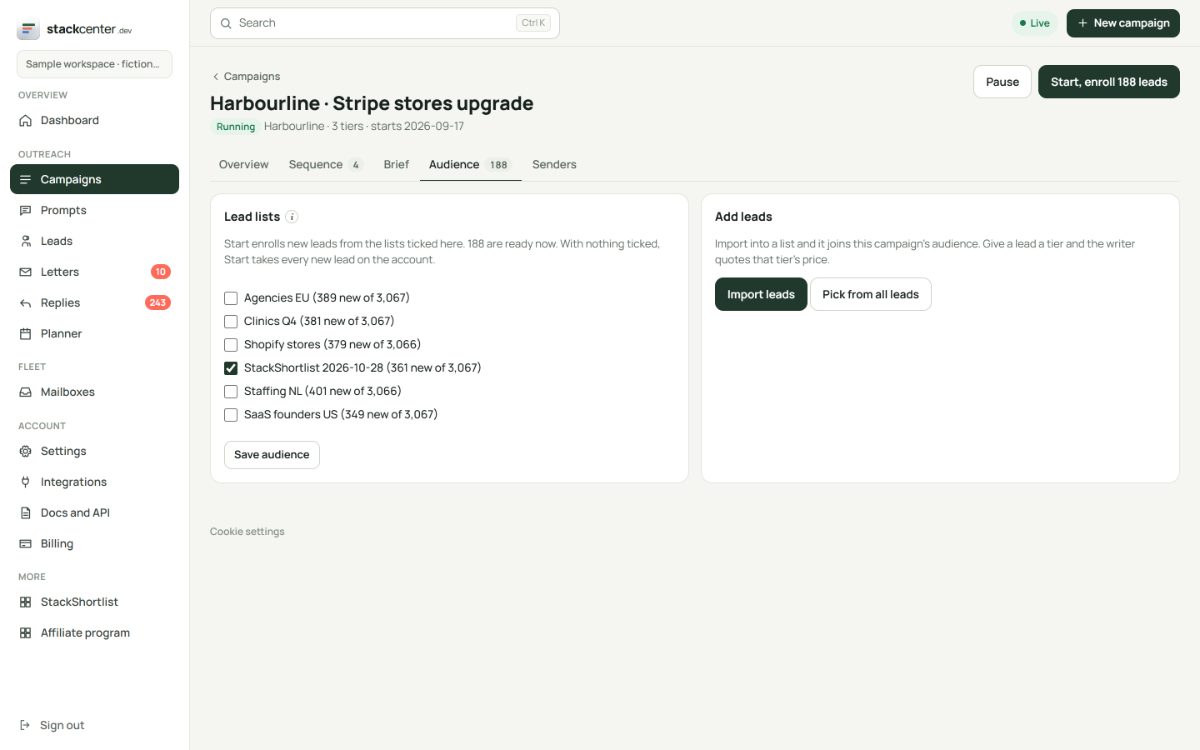
Point a campaign at it
Open a campaign's Audience tab and tick the list. The tab shows who is ready and skips anyone already active in another campaign, so nobody gets two sequences at once.
Your checklist
- Buy or filter a list on StackShortlist.
- Upload it, or connect delivery once.
- Check the notes on a few people.
- Tick the list in your campaign.
Screens show a fictional workspace with example data.