Lists
Import any lead list, from any tool
Most lists come out of a CRM or a data tool with their own column names. You should not have to rename them first.
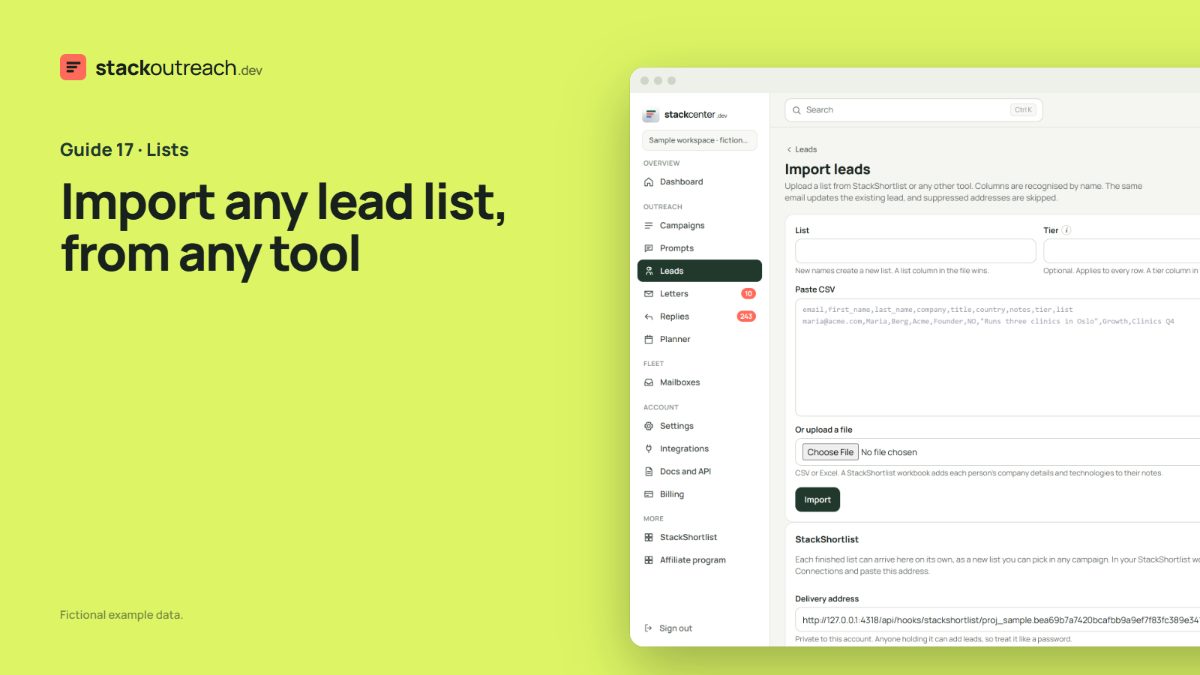
Columns are recognised by name
Email Address, Work Email, First Name, Full Name, Company Name, Job Title and the like all map on their own. Semicolon files, quoted line breaks and Excel workbooks all work. Only an email is required.
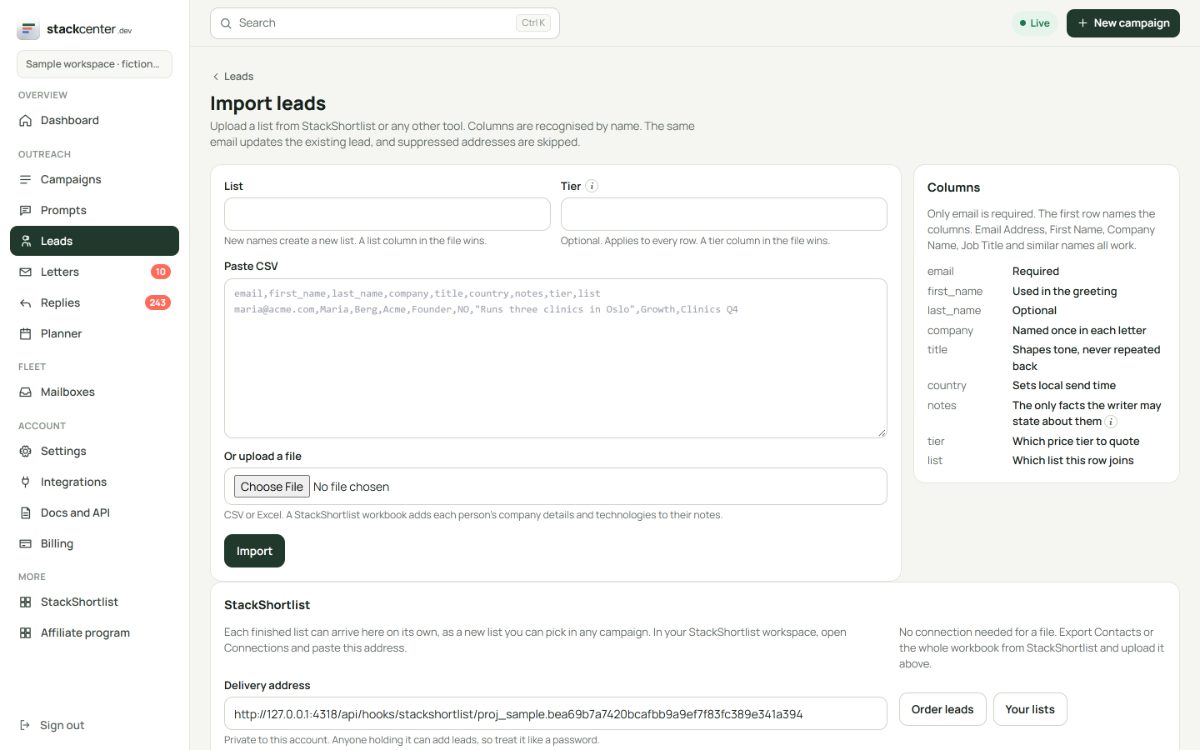
Notes make the letter
Anything in a notes column may appear in the letter. A country column sets the local send time. A tier column picks the offer. A list column files the person in a named list.
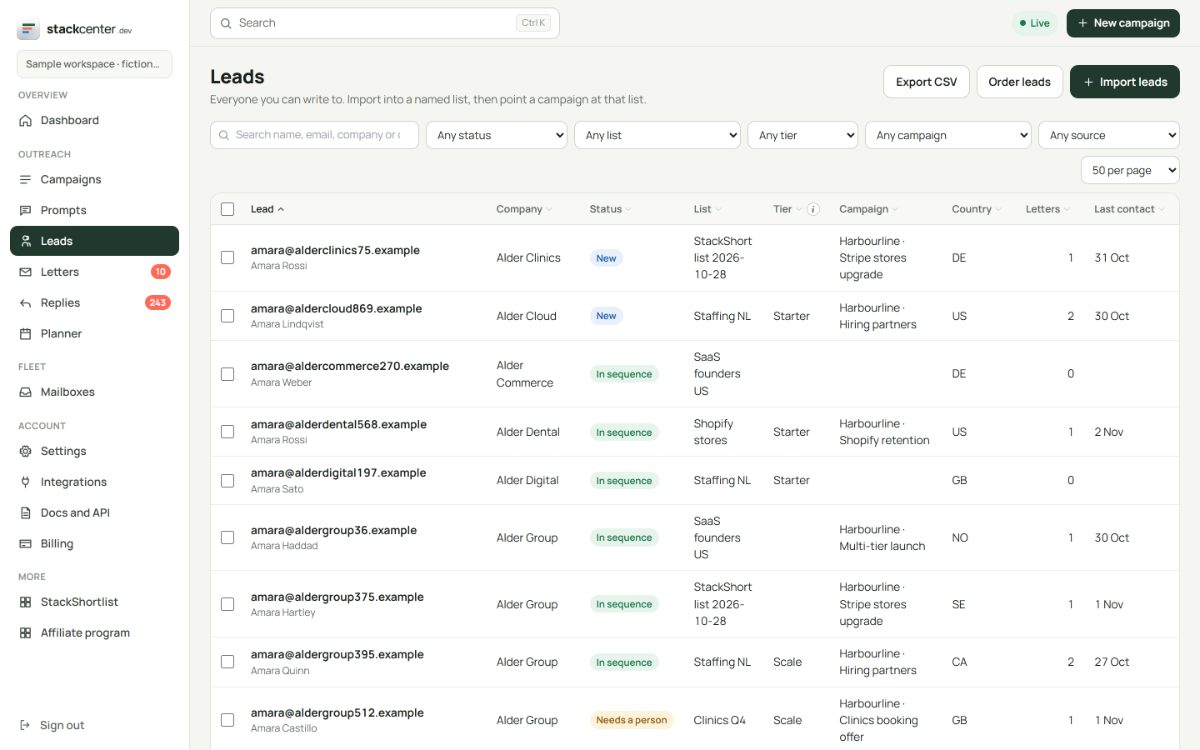
Re-importing is safe
The same email updates the existing lead instead of adding a second one, and a blank cell never erases what is already there. Suppressed addresses are skipped, so an old list cannot bring back someone who said no.
Your checklist
- Export from wherever the list lives.
- Add a notes column if you can.
- Choose or name a list on upload.
- Read the result line for anything skipped.
Screens show a fictional workspace with example data.