Getting started
Set up your mailboxes and domains the right way
Mailboxes come from your mail provider. StackOutreach connects to them and handles the sending limits, so the setup is short, but it matters.
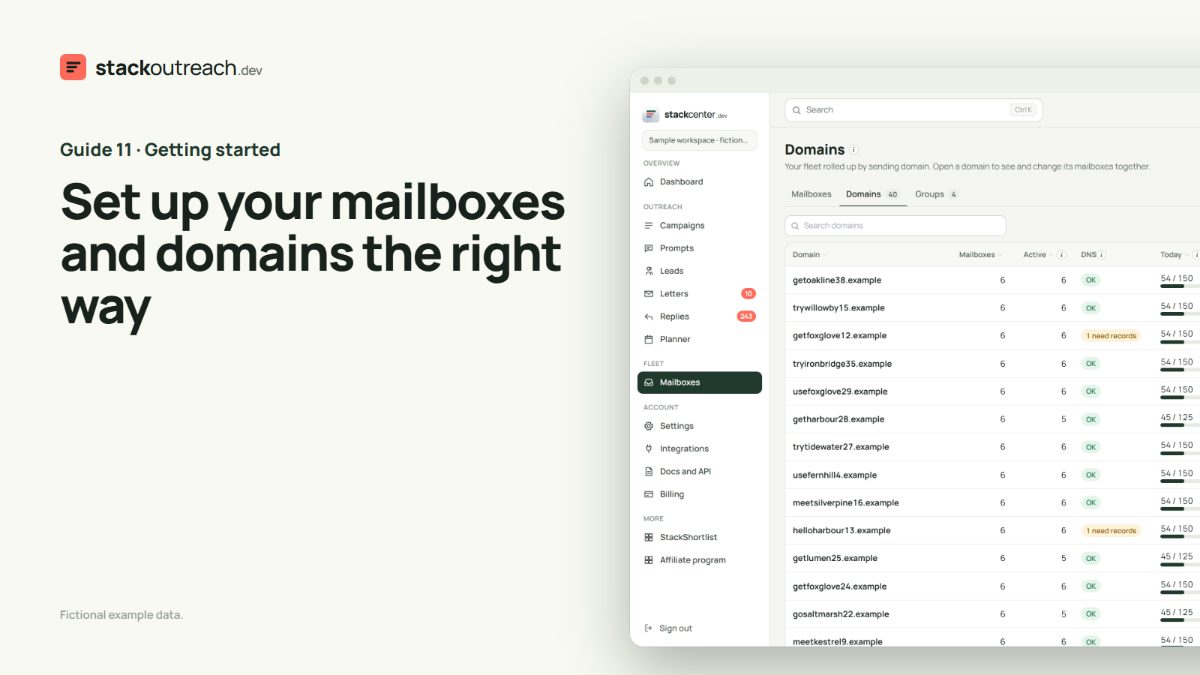
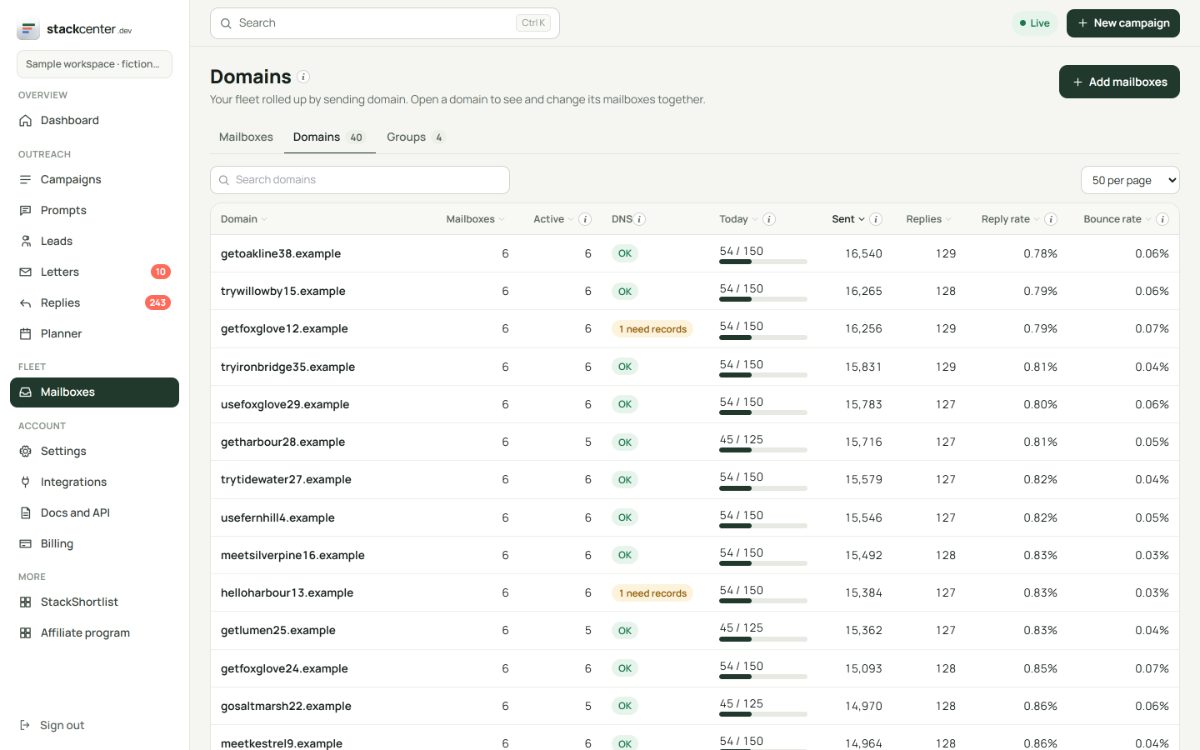
Use separate sending domains
Keep your main domain out of it. Buy a few similar domains, add two or three mailboxes to each, and set up SPF, DKIM and DMARC before you connect them. The DNS column shows what is still missing.
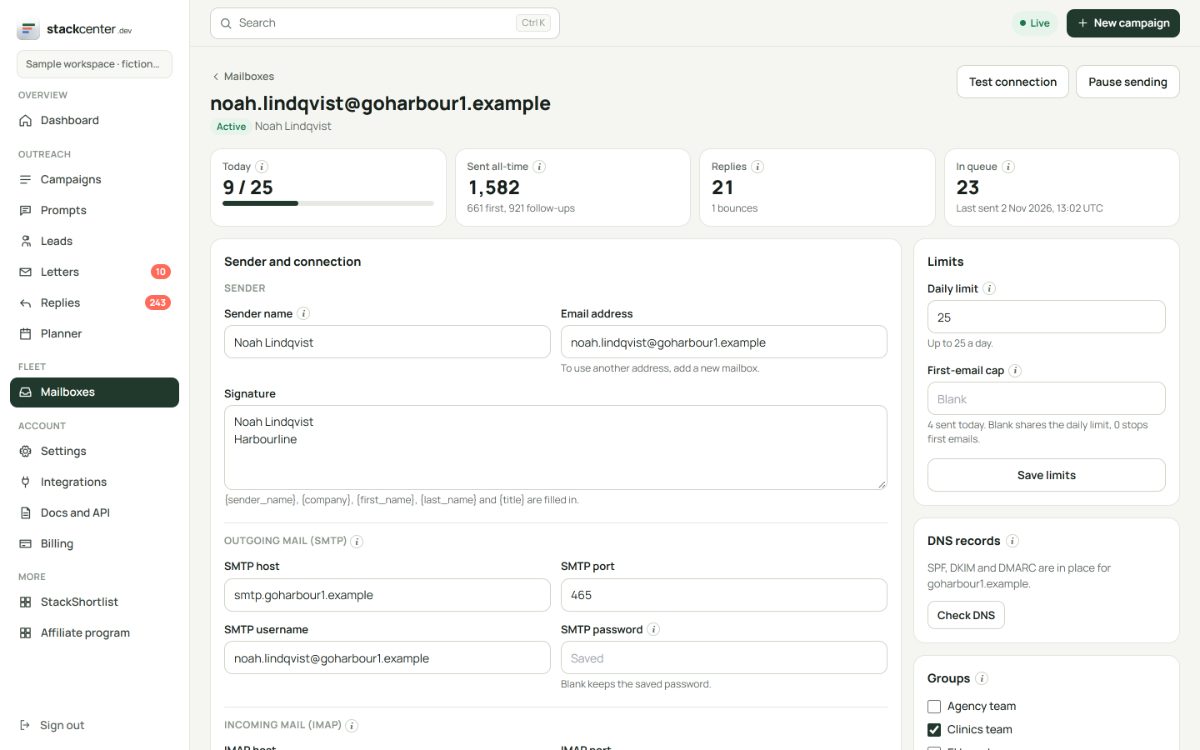
Connect one or a thousand
Add a mailbox with its sender name, SMTP and IMAP details and password, then test the connection, which logs in without sending anything. For many at once, paste or upload a CSV with one mailbox per row.
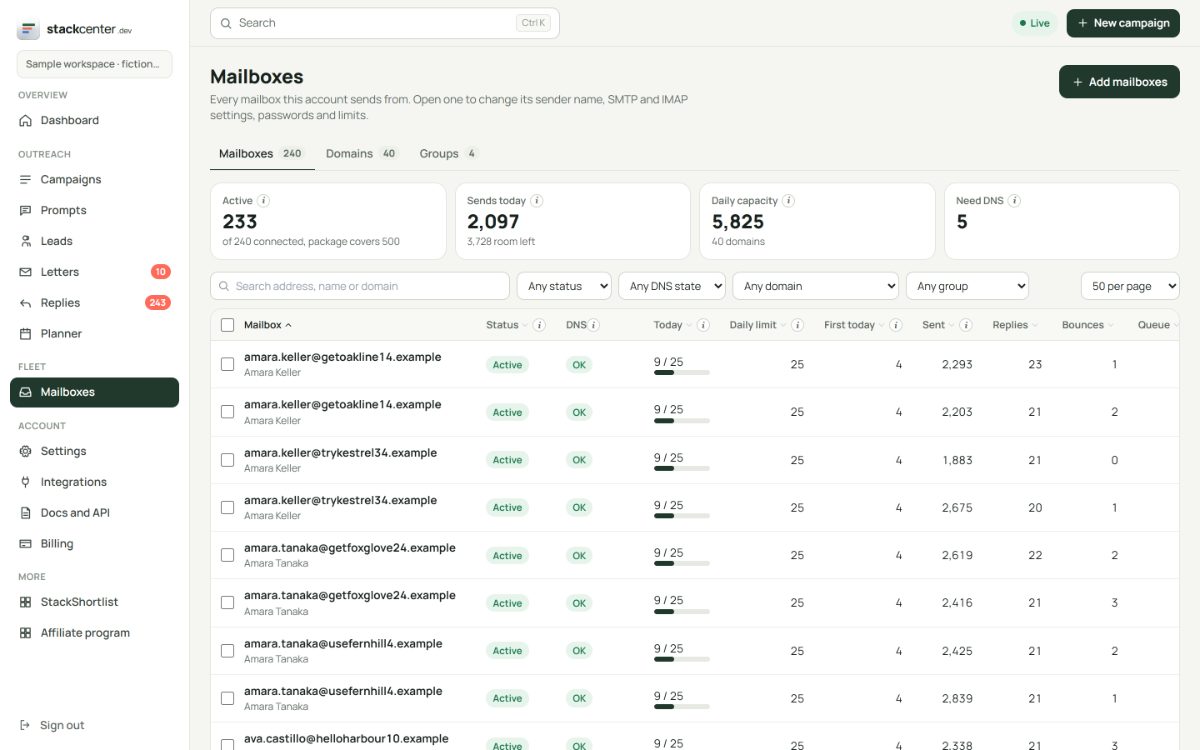
Let new mailboxes start slowly
A new mailbox ramps up over its first days before reaching its daily limit. A mailbox that has been sending for a while can skip the ramp. Your package sets how many mailboxes can send.
Your checklist
- Buy separate sending domains.
- Add SPF, DKIM and DMARC.
- Connect mailboxes and test each one.
- Group them by team or client.
- Start with the ramp on.
Screens show a fictional workspace with example data.