B2B sales teams
Give every rep a pipeline without giving them a writing job
Reps should spend their day on people who answered. The letters that get those answers can be written from one approved brief.
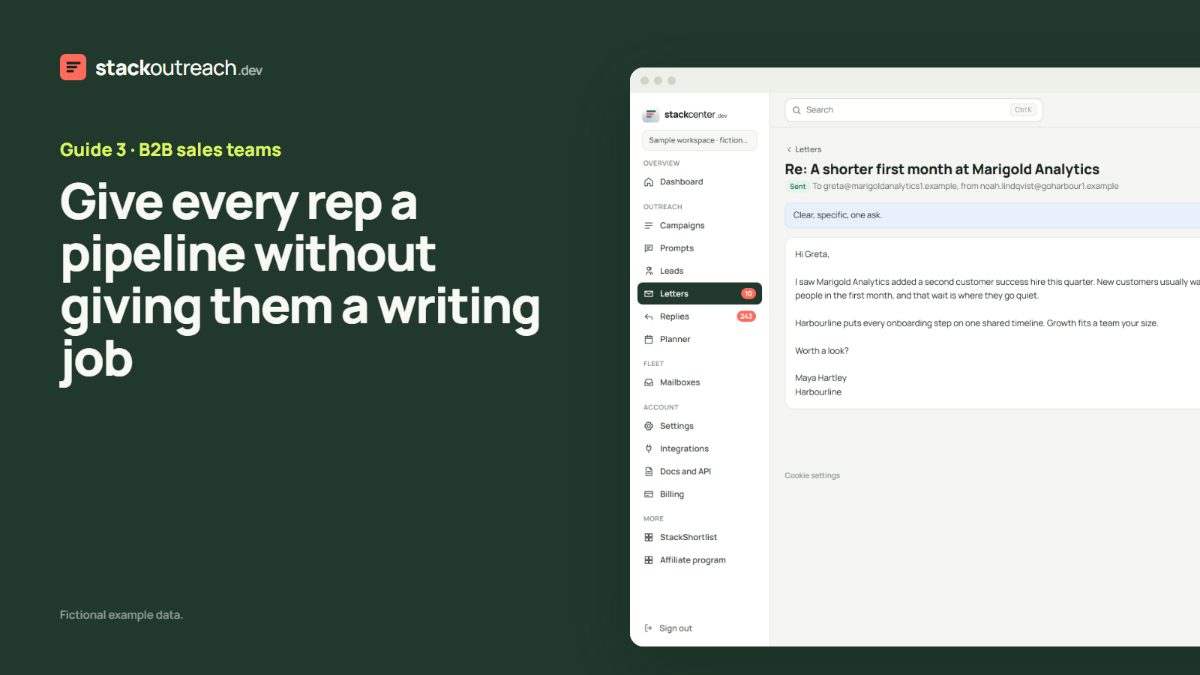
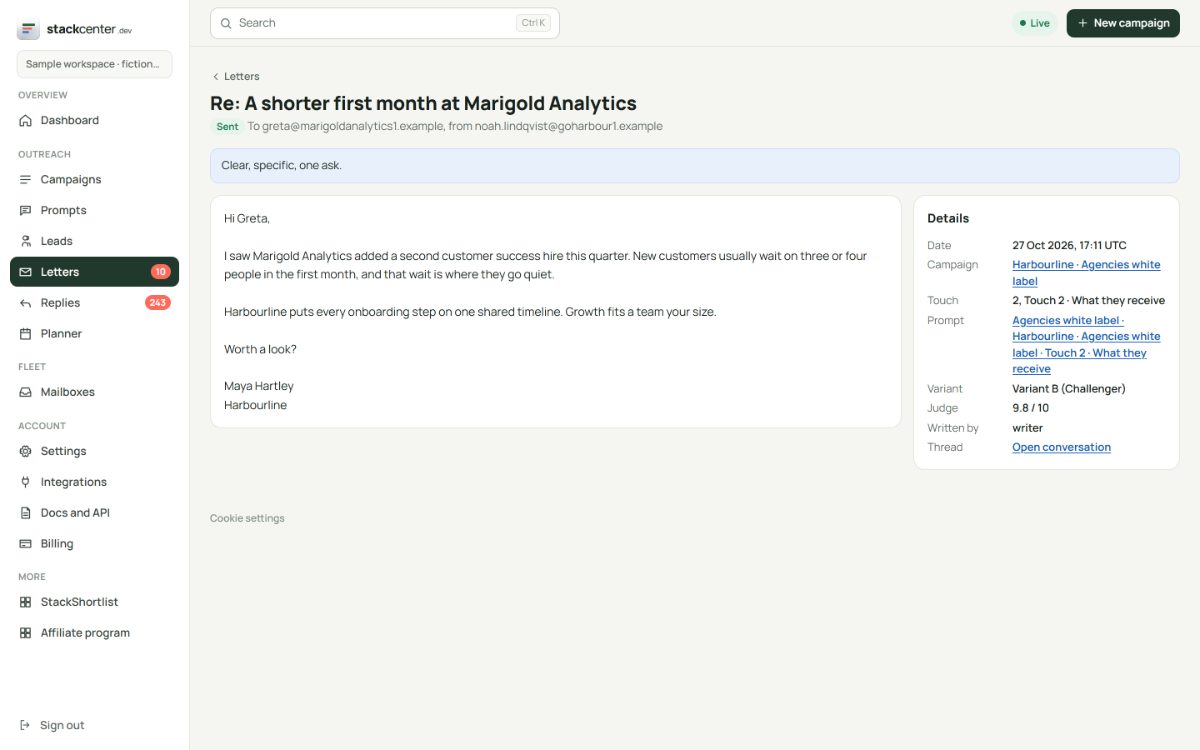
One brief, approved once
Marketing or the sales lead writes the campaign brief, including boundaries such as claims you never make. Every letter follows it, and the judge checks each one against it before it leaves. A letter that fails is held on the Letters page, where you can read why.
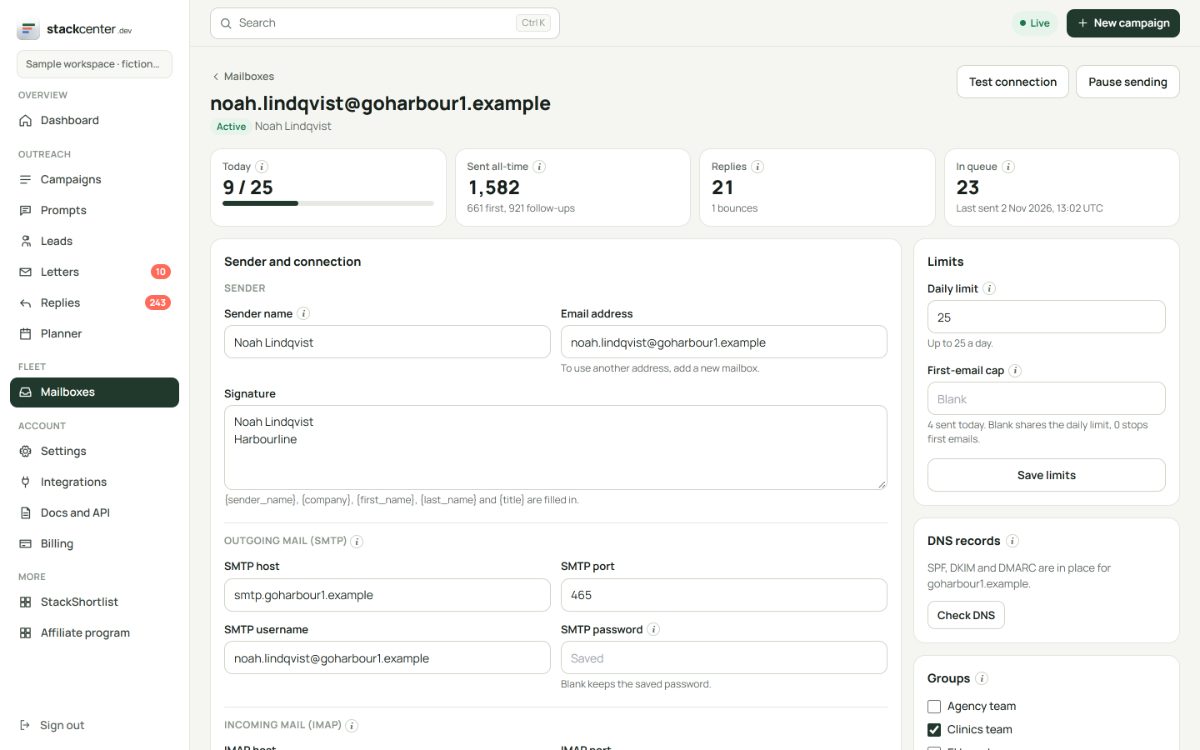
Each rep sends in their own name
Connect each rep's mailboxes, set the sender name and signature per mailbox, and group them. Follow-ups stay on the mailbox that opened the thread, so a prospect always hears from the same person.
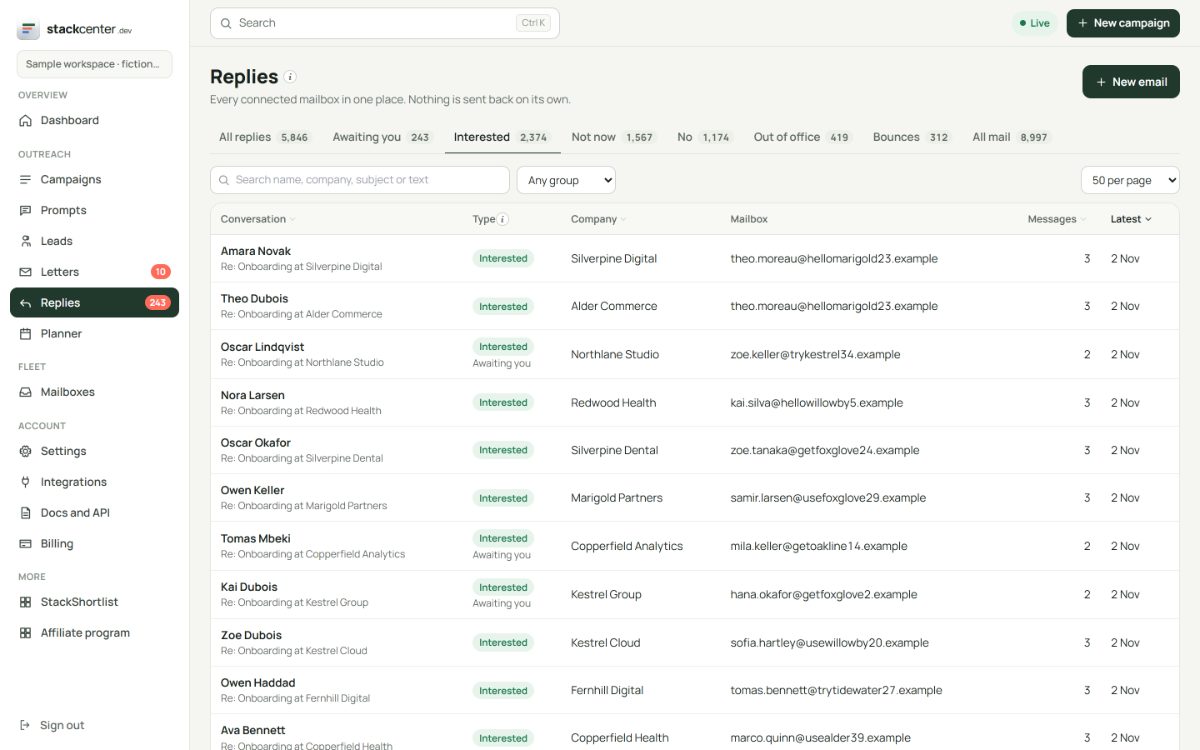
Hand over cleanly
When someone replies, the thread appears under Replies with the bucket already set. Connect a webhook or the API under Integrations and interested replies can open a record in your CRM.
Your checklist
- Agree the brief and its boundaries.
- Give each rep a mailbox group.
- Split lists by territory into separate lists.
- Point interested replies at your CRM.
- Review the score on held letters weekly.
Screens show a fictional workspace with example data.