Everyday use
Turn replies into conversations before they go cold
Everything before this point exists to produce a reply. The speed and care of your answer decides what it was worth.
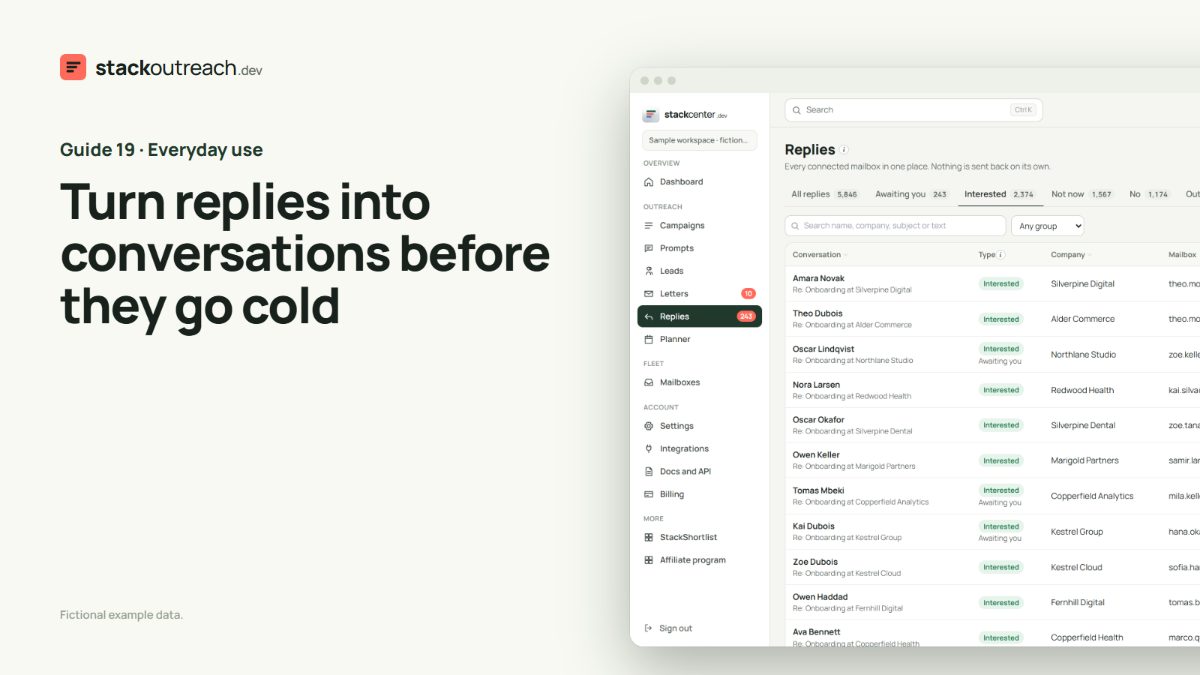
Work the piles in order
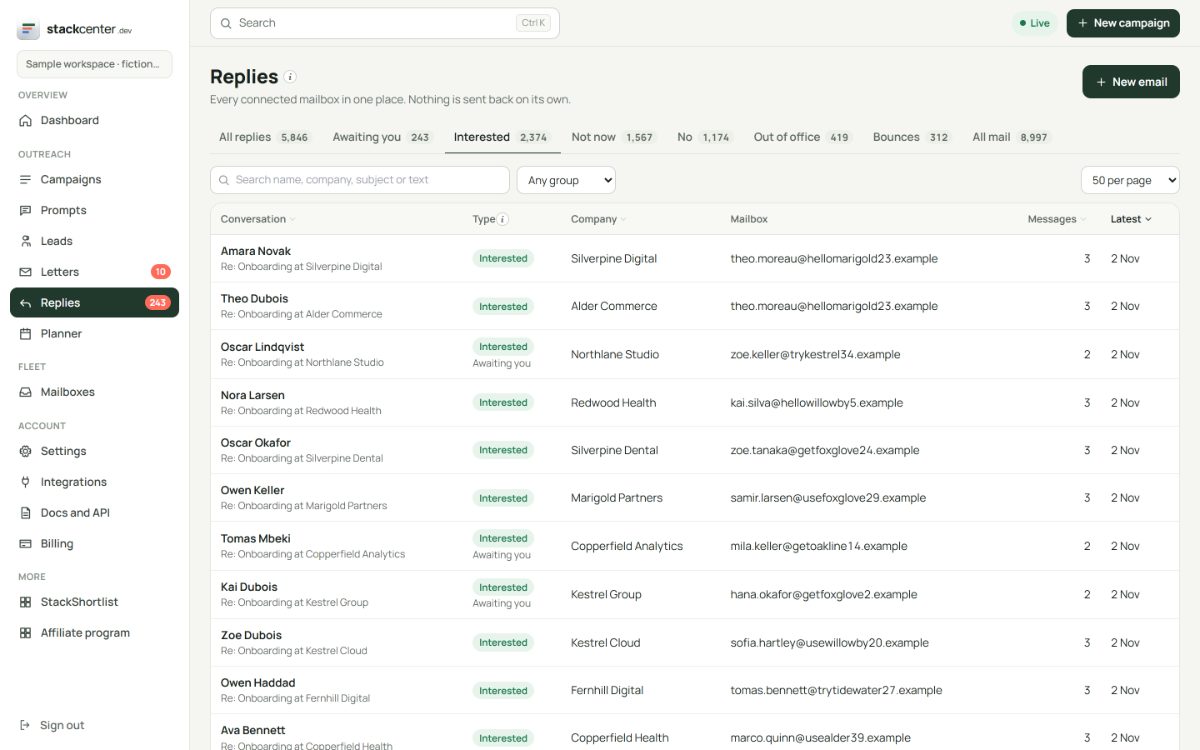
Start with Interested, then Not now, then No. Out of office and bounces need no reply. The sidebar shows how many are still waiting for you.
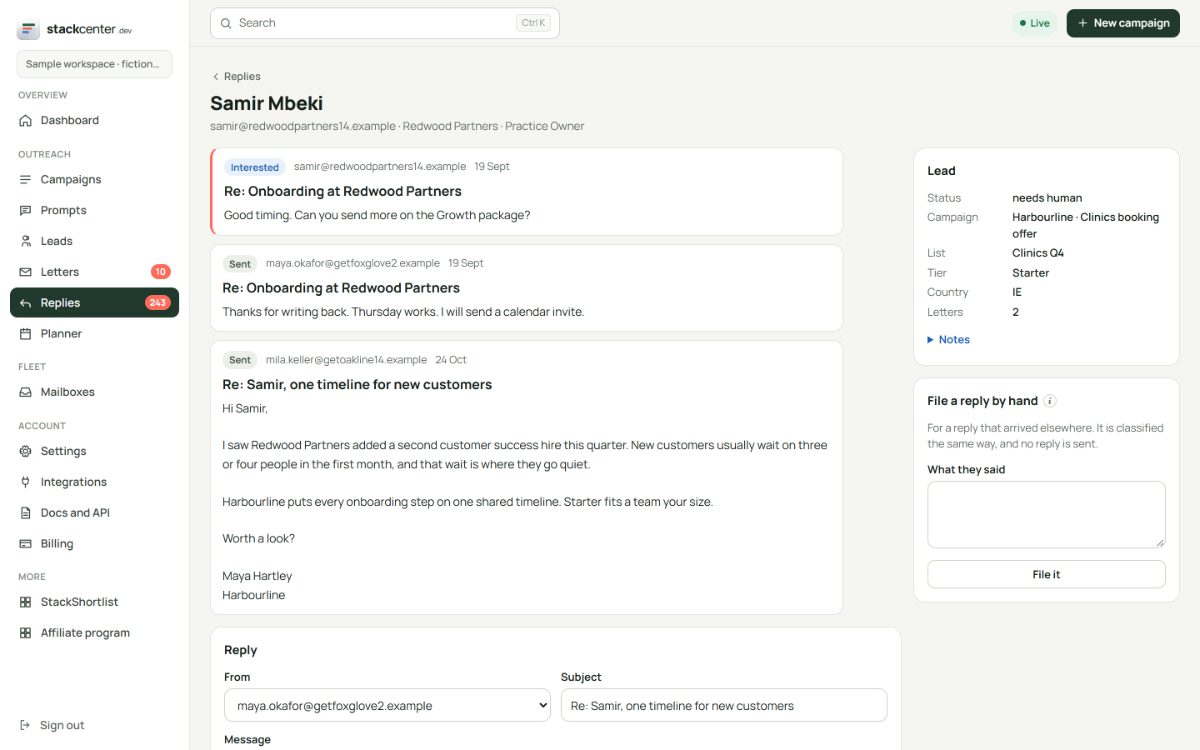
Answer from the thread
Open a thread to see every letter and reply in order, then answer from the same mailbox. It sends on the same thread, as you.
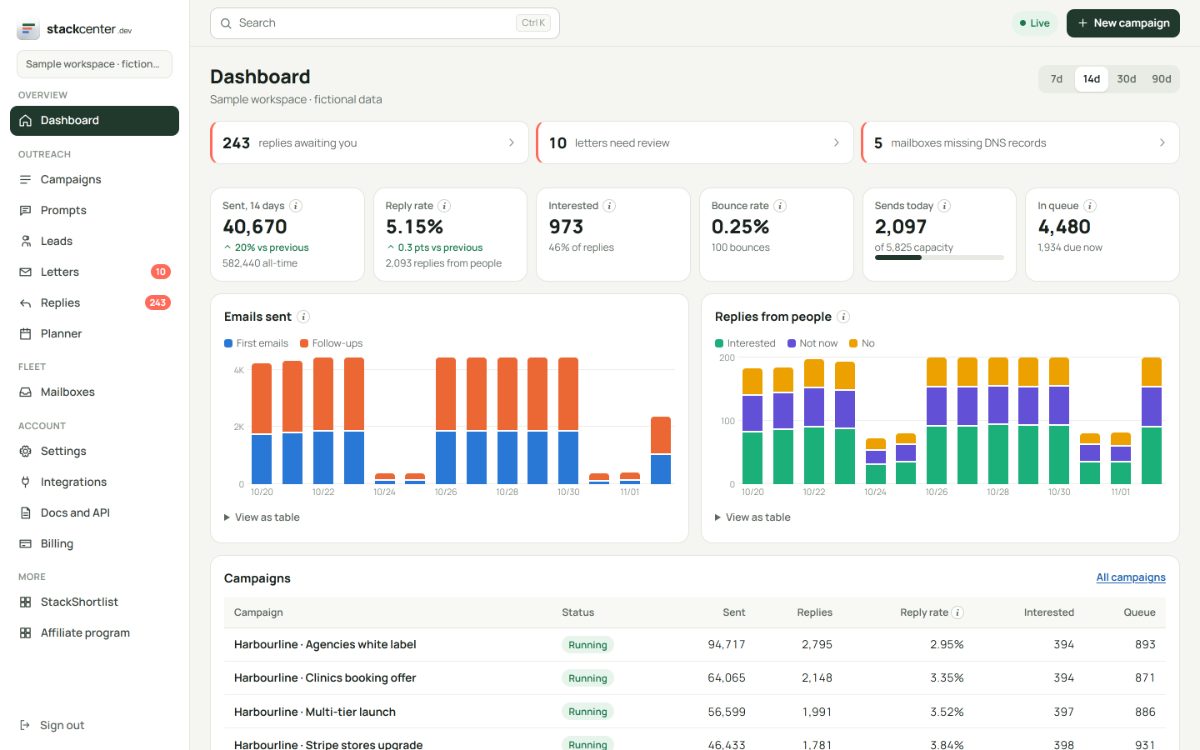
Keep your warm-up mail out
If you use a warm-up tool, add its folder or tag under Settings. Those messages stay out of your replies and your numbers.
Your checklist
- Clear Interested every morning.
- Answer the question they asked first.
- Move a not-now to a dated follow-up.
- Add your warm-up folder in Settings.
Screens show a fictional workspace with example data.