Automation
Run your outreach from your own agents and tools
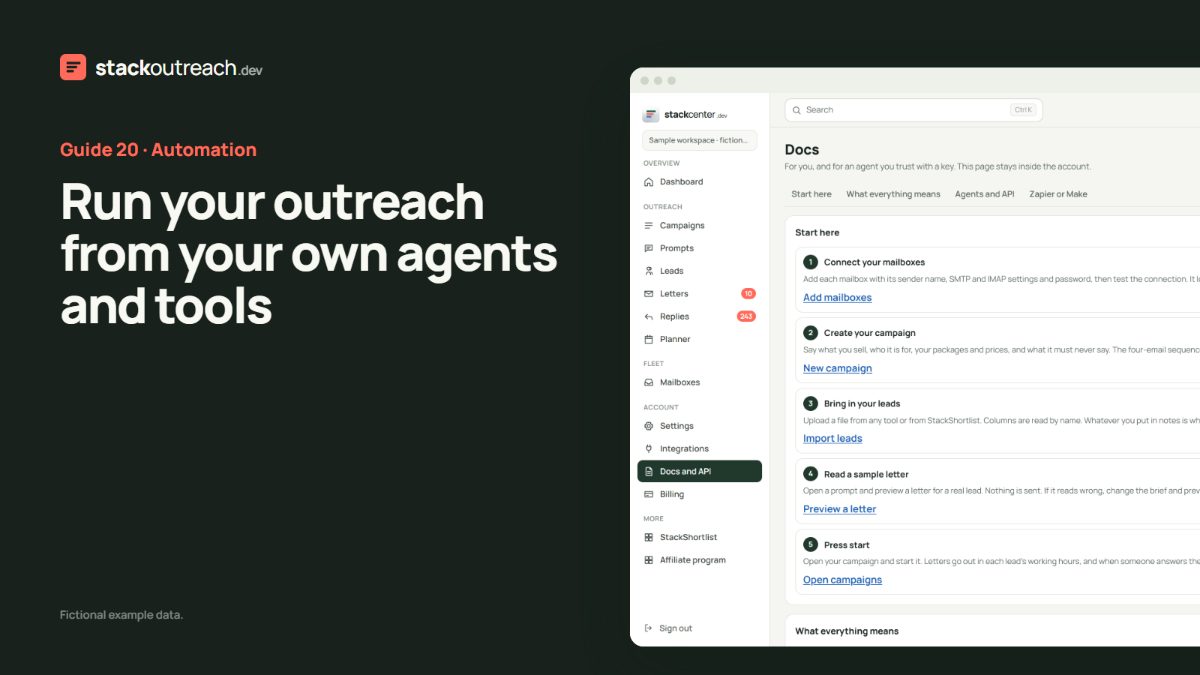
If your team already uses agents or automation, the console should be a set of tools, not a screen someone has to sit at.
Everything is a tool
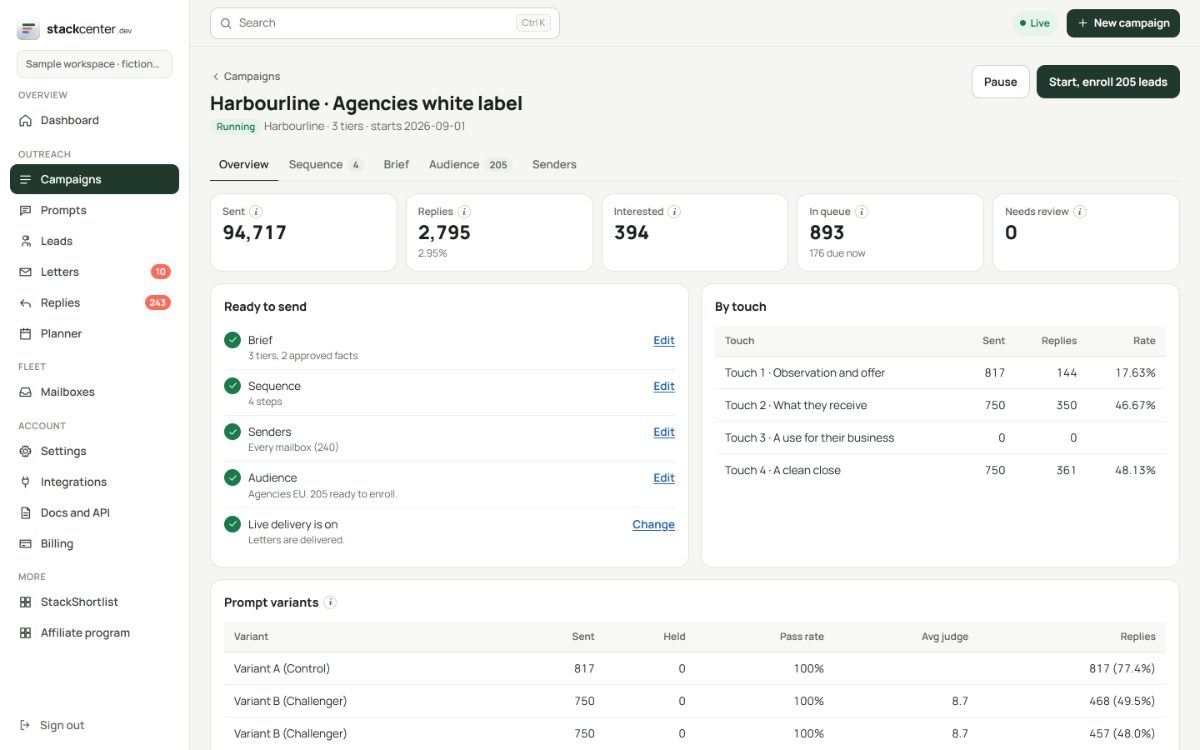
Campaigns, briefs, leads, letters, replies and analytics are all on the API with typed inputs. Lists are paged, so an agent reads a thousand rows as easily as ten. A built-in glossary explains every number.
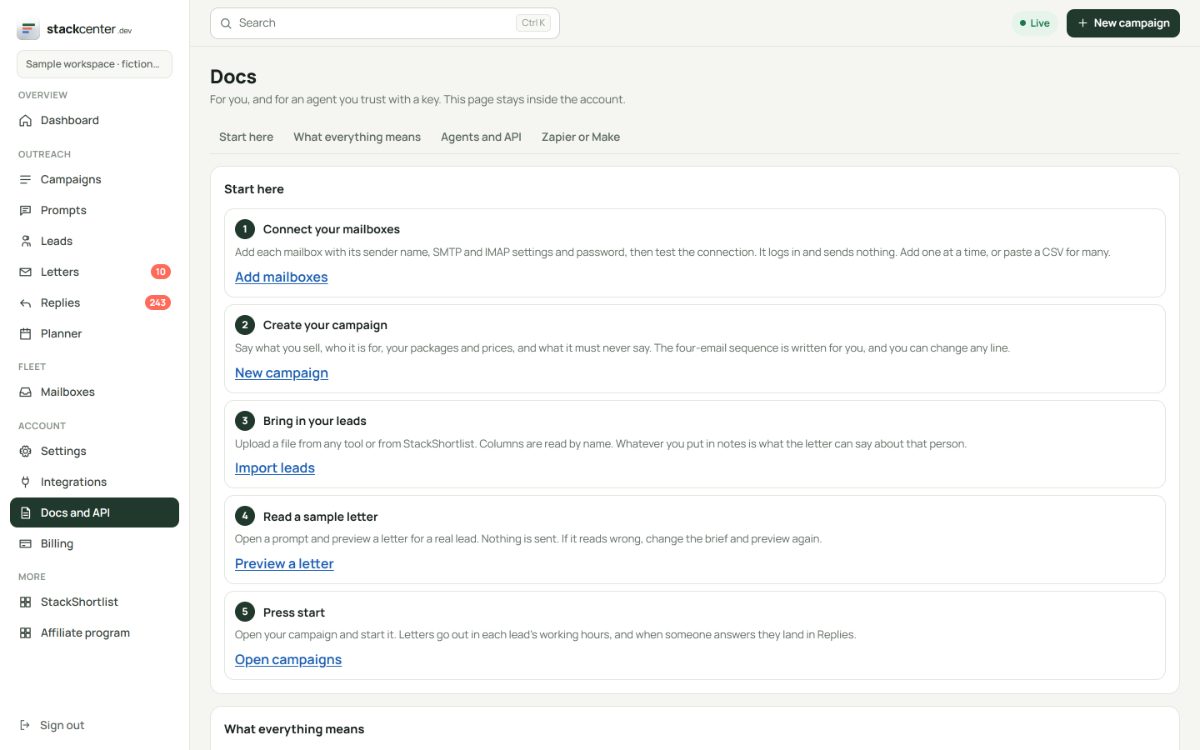
Scope what each key can do
Create a key per agent or tool under Settings and revoke it any time. Sensitive actions such as exporting credentials need their own scope and the account password.
React to events
Webhooks fire on sends, replies and interested leads, so a reply can open a CRM record or ping a channel. Deliveries retry, and you can resend a failed one.
Your checklist
- Create a key for one job.
- Read the glossary tool first.
- Start with reads, then writes.
- Add a webhook for interested replies.
Screens show a fictional workspace with example data.