Developer tool founders
Reach the teams your tool is built for
Developers delete anything that reads like a mass mailing. A short, plain note to the right team gets read.
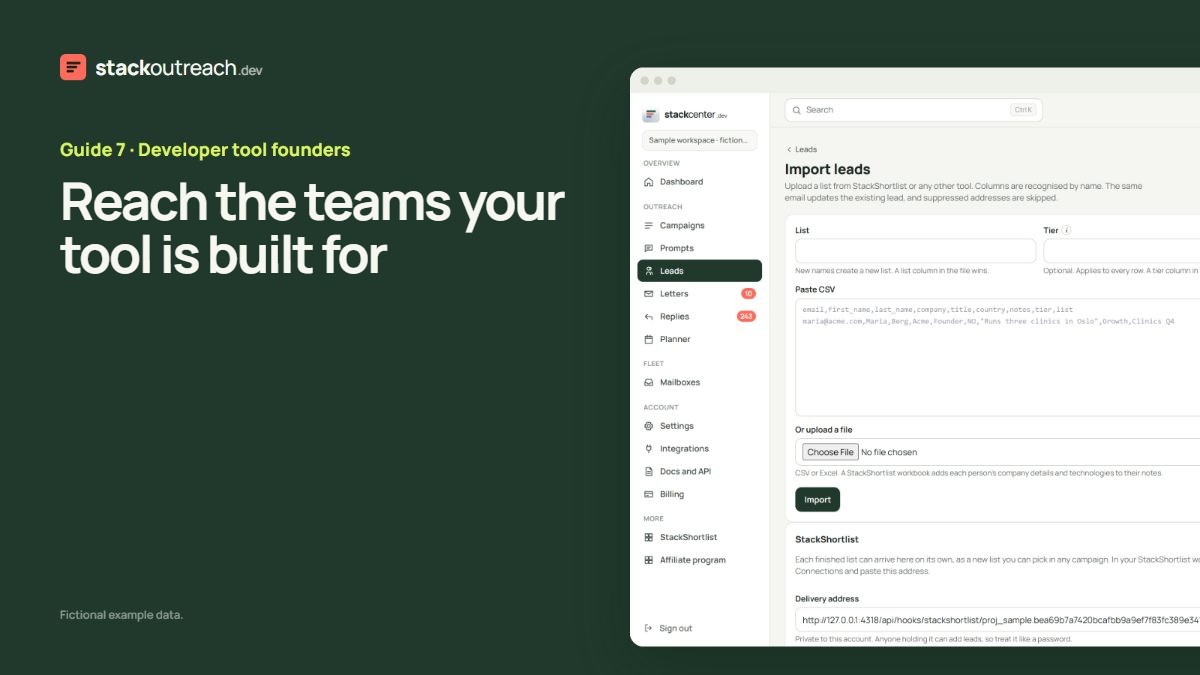
Start from who it is for
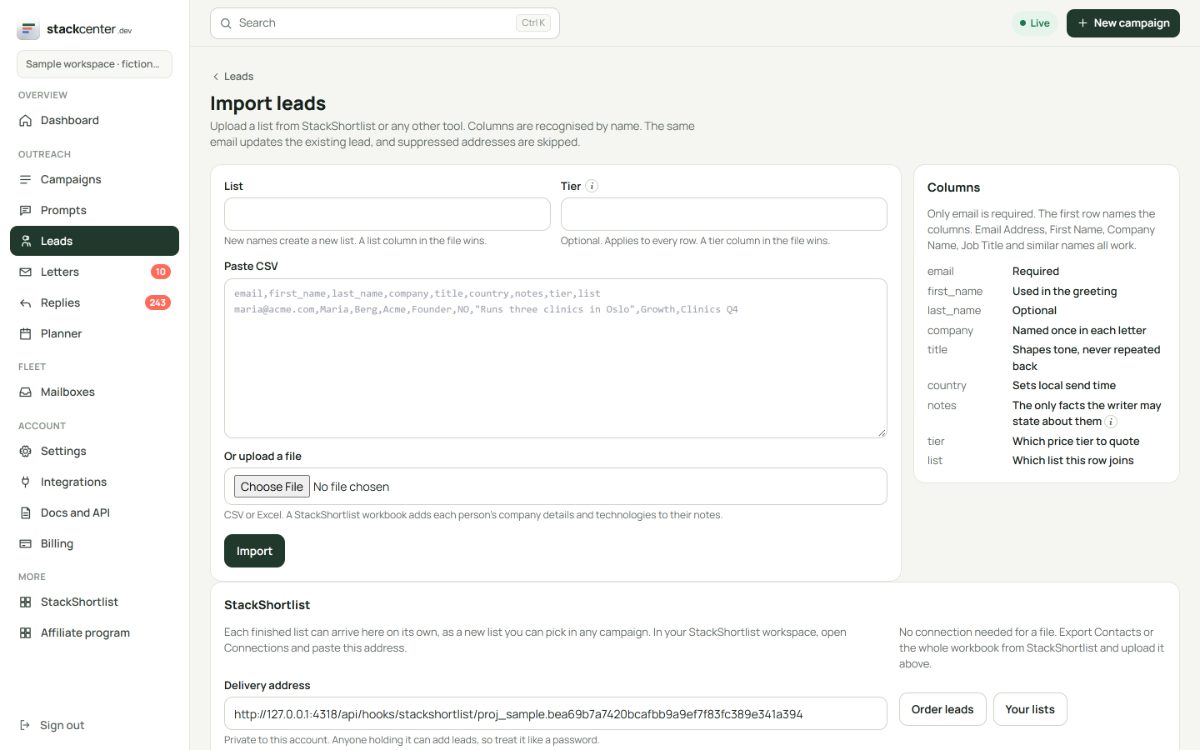
Use the list you have, or buy one from StackShortlist with named people on it. Upload it on the Import page, and what the list knows about each company lands in each person's notes.
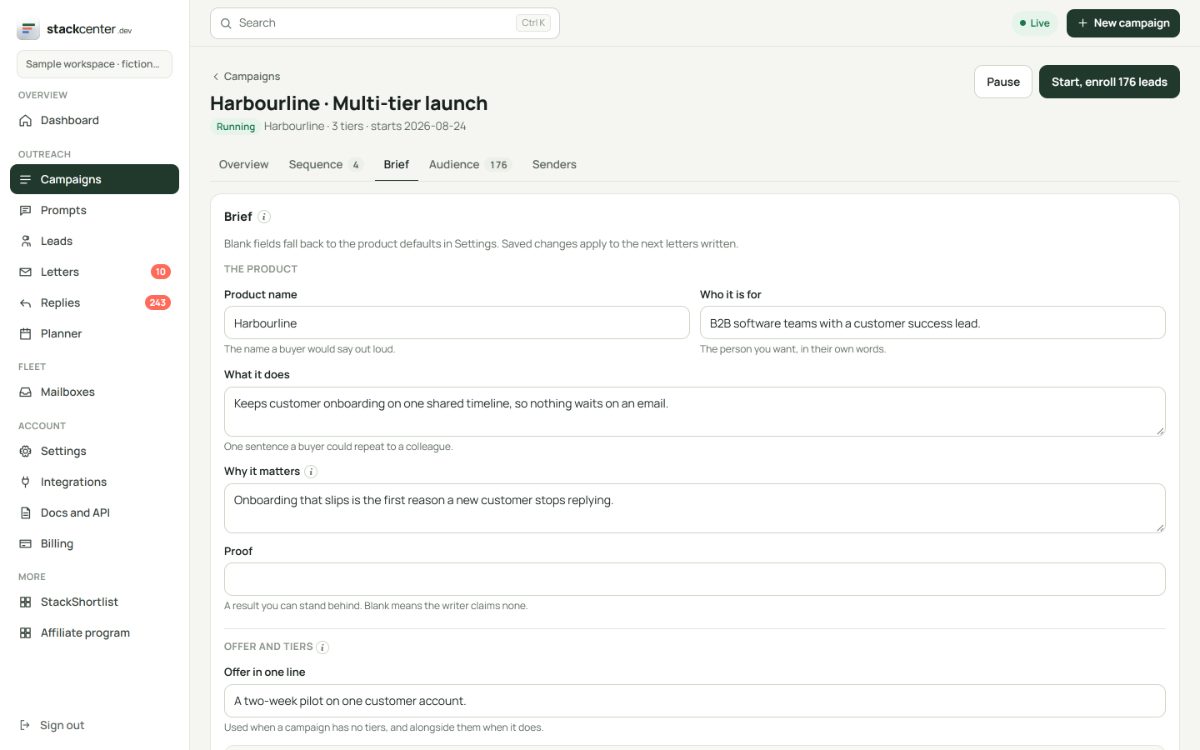
Write to the engineer, sell to the lead
Use a title filter on your list, then a voice note in the brief: plain, no exclamation marks, no hype. Developers delete the rest. The writer keeps to what you set.
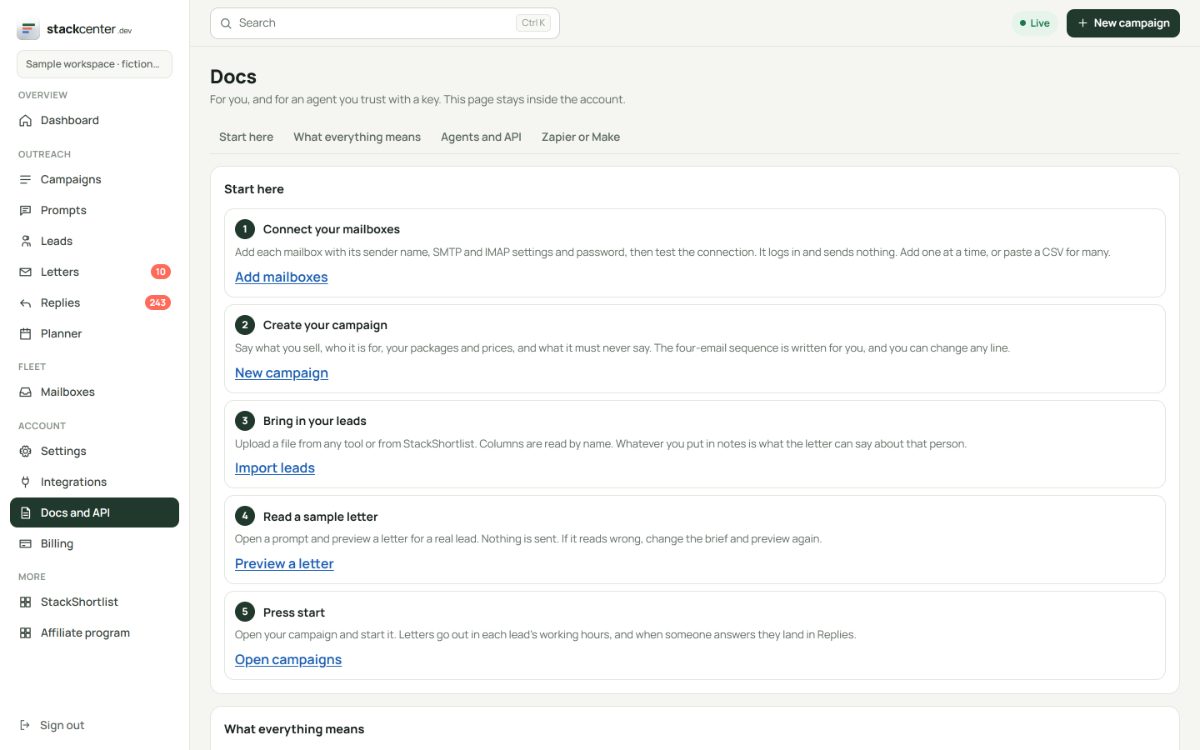
Keep your own agents in the loop
Everything in the console is on the API, with typed tools and a glossary. An agent can import a list, start a campaign or read the interested pile with an API key scoped to it.
Your checklist
- Decide which teams your tool is for.
- Get a list, or use your own.
- Upload it and check the notes.
- Write the voice note before the first letter.
- Connect your own tools through the API.
Screens show a fictional workspace with example data.